I’m tired of getting asked by friends and coworkers on how much it costs to use Windows 11. This could either be for a virtual machine that they use to test various software for either personal or some work related purposes. This is rarely a concern on a newly purchased computer or laptop because they usually come preinstalled with an activated version of Windows 11 via the OEM (HP, Lenovo, Dell, etc.). But for those wanting to install a secondary copy of Windows 11 to mess around? Well, what if I told you that not a dime needs to be spent?
Broadcom recently announced that their desktop virtualization software, VMware Fusion for macOS and VMware Workstation Pro for Windows, is now completely free for personal use. This makes it easy enough for anyone to install a second copy of Windows 11.
Here’s the awesome part: Microsoft actually allows one to use Windows 11 indefinitely without entering any product/serial key. Meaning, no activation is required during installation. Best part? One of the few drawbacks to using an unactivated copy of Windows 11 is not being able to change your wallpaper or other display/personalization settings. You’ll also still see the tiny watermark in the bottom right corner regarding activation status, but it’s a small price to pay for being able to use the operating system fully and indefinitely without paying a dime.
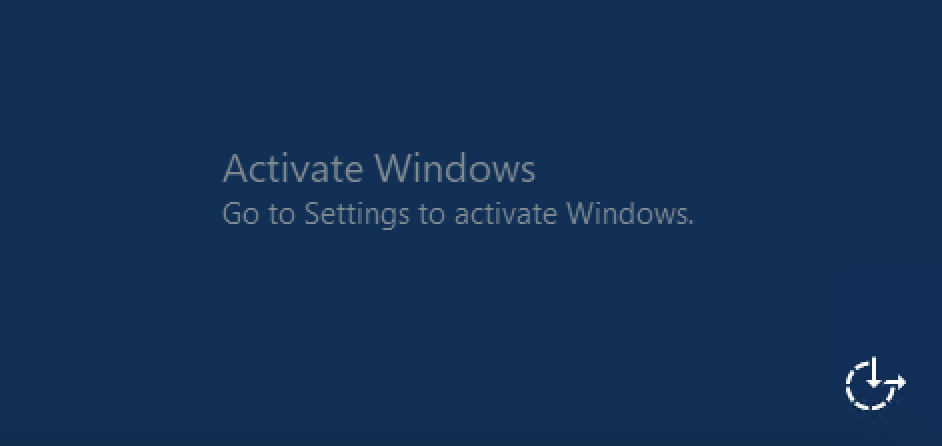
In previous versions of Windows, I remembered that an unactivated copy would entail your operating system either shutting down or restarting every hour, making it unusable for any but the most trivial tasks. Not so with Windows 11. You’re still able to install programs and use the operating system as you’d normally would. In fact, you’re still able to get the latest Windows updates. Maybe Microsoft would much rather users use an unactivated copy of Windows 11 but fully patched, instead of them using nefarious methods such as cracks and key-generators that could be laden with viruses and malware to bypass license activation?
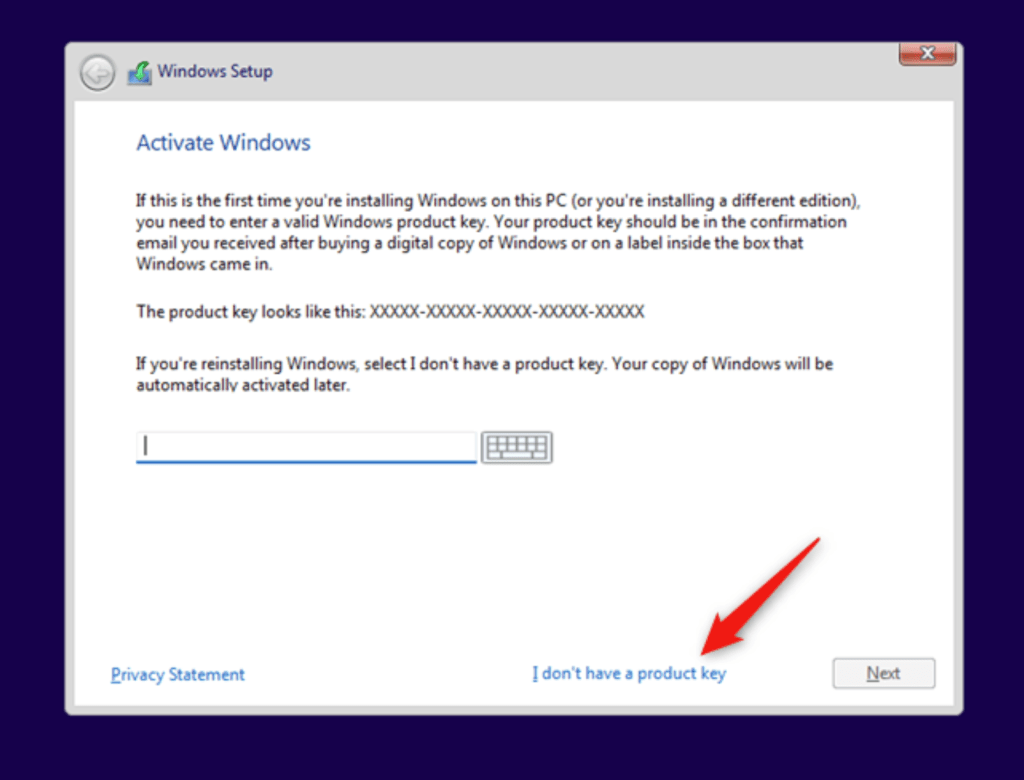
To install and use Windows 11 without activation, during the installation screen, simply select the “I don’t have a product key” link to bypass this step. That’s it.
If you’d really want to purchase a key to activate Windows 11, Amazon has it for around $160. If that’s too much, you can get a key from Stack Social for less than $30. Do remember that these keys are one time use only and non-transferable. Once activated, it’s final.



 The Mindless Catalog
Leave a comment